
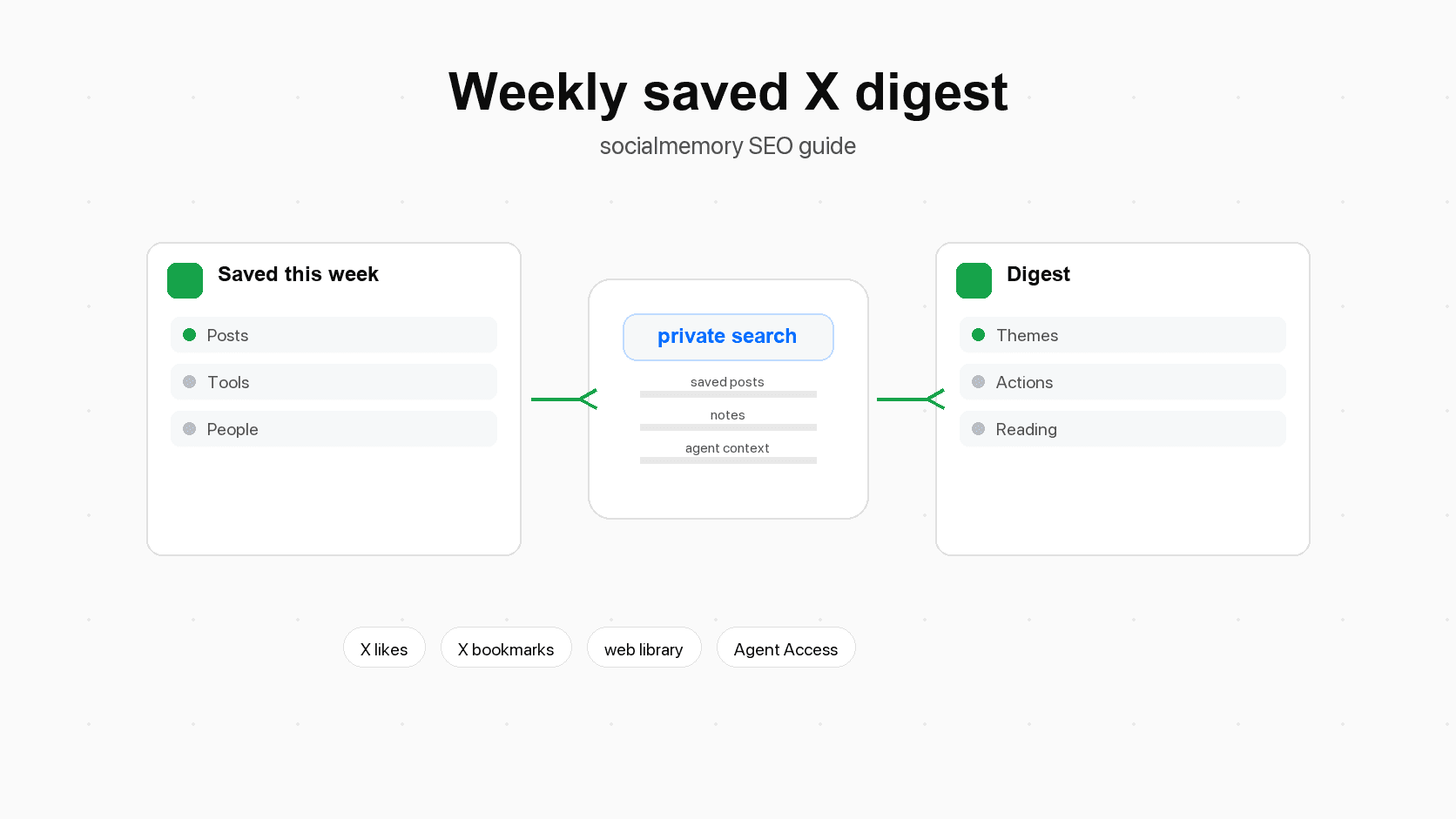
Why a weekly digest is the missing loop for saved X posts
Most bookmarks on X (formerly Twitter) do not fail at capture. They fail at review. Capture means saving something for later. Review means returning to it, deciding why it mattered, and using it. X makes capture easy: like a post, bookmark it, save a thread, move on. The hard part comes later when you try to remember which post had the pricing example, launch lesson, code snippet, design reference, or founder advice.
A weekly digest creates a small review loop. You process saved posts while the week is still fresh and ask: "What did my saved posts teach me this week?"
Saving is a weak signal
A weak signal is a small hint. In this context, a like or bookmark usually means "this might matter later." It does not mean "this is definitely important." A week later, some saved posts will still be useful and some will not. That is normal.
The digest upgrades weak signals into stronger memory by adding decisions:
- This belongs in a project.
- This is a tool to try.
- This is an example to copy.
- This is a warning to remember.
- This was interesting, but not worth keeping.
That last decision matters. A good weekly digest is a small, edited view of what still deserves attention.
A digest is a decision tool, not a scrapbook
The mistake is treating the digest like a beautiful archive. A weekly digest should be useful even if it is plain. It should help you decide what to build, read, test, write, revisit, tag, or ignore.
For a builder, a useful digest might say: "This week I saved six posts about AI agents, three about onboarding, and one code library worth testing." That is enough to shape a planning session or a conversation with an AI coding agent.
For a founder, the digest might surface repeated ideas: "My saves keep pointing at the same problem: users do not understand the setup flow." For a designer, it might become a swipe file. For a developer, it might become a list of libraries, patterns, and bug notes.
What belongs in an X bookmarks weekly digest
Use a stable structure so the weekly review is easy to repeat.
| Digest section | What it captures | Example |
|---|---|---|
| Top saved posts | The 5 to 10 posts most worth revisiting | A launch breakdown, a code snippet, a pricing teardown |
| Themes | Repeated topics across the week | AI agents, onboarding, design systems, growth, writing |
| Action items | Things you should do because of the saved posts | Test a library, tag examples, draft a brief, send a link |
| Tools and libraries | Products, APIs, templates, datasets, or frameworks | A UI kit, MCP server, prompt tool, analytics library |
| People to follow | Authors who appeared repeatedly or shared unusually useful work | Builders, designers, researchers, founders |
| Reading list | Threads, X Articles, videos, papers, or longer links to finish later | A thread on pricing, an article about agent memory |
| Open questions | Questions your saves raised but did not answer | "Do users need this in onboarding or settings?" |
The six sections worth keeping
If you want the shortest useful version, keep these six sections:
- Summary: what the week was about.
- Themes: the repeated topics you saved.
- Best links: posts worth reopening.
- Actions: decisions, tasks, or experiments.
- Tools and people: things and accounts worth following up on.
- Notes for future search: tags, keywords, or phrases to help retrieval.
This structure separates memory from action. A theme shows what kept appearing. A best link gives evidence. An action turns evidence into work.
What to leave out
Leave out posts that are merely entertaining, stale, duplicated, or impossible to understand without missing context. The digest is not a perfect archive. It is the edited signal from the archive.
Manual workflow: build the digest in 45 minutes
You can build a useful digest without automation. Automation means letting software run part of a repeated process for you, but the manual version teaches you what the digest should contain.
Step 1: collect the week
Start with a clear time window: the last seven days, the previous calendar week, or the time since your last review. Open your X bookmarks and, if relevant, your likes.
If X search or advanced search helps you find a known post, use it first. The digest workflow is different: it reviews the week as a body of saved material, not only one known post.
Create a temporary note with four headings: Keep, Maybe, Tools and people, and Actions. As you scan, copy links or short references into those headings. Do not polish yet.
Step 2: filter for what still matters
Skim quickly and ask one question: "Would I be glad to see this again next month?" If the answer is no, leave it out. If the answer is yes, keep it.
Use simple keep rules. Keep posts tied to active projects, reusable lessons, useful tools, people worth following, or warnings you want to remember. Drop posts that only felt important because they were recent.
This step should remove noise. It also makes the digest shorter, which makes the habit easier to repeat.
Step 3: group by theme
After you have a smaller set, group the saved posts into themes. A theme is just a repeated idea, such as agent memory, onboarding friction, pricing clarity, design references, or open-source tools. Themes are more valuable than individual links because they show what your attention is circling.
Step 4: write actions and follow-ups
Each digest should produce a small number of actions. Three to seven is usually enough.
Good actions are specific: "Try this library in the settings prototype," "Tag onboarding examples," or "Ask Codex to search saved posts about Chrome extension onboarding before editing setup." If an action sounds like "look into this," rewrite it until it names a real next step.
Step 5: store the digest where you will reuse it
Put the final digest somewhere you already review: Notion, Apple Notes, Obsidian, a project doc, a weekly planning note, or the socialmemory library through notes and tags. The storage place matters less than the return path. If you cannot find the digest later, it becomes another saved thing you never use.
Use a title that sorts cleanly, such as Saved X digest - 2026-06-22 - AI agents, onboarding, pricing. The date makes it easy to browse. The theme words make it easy to search.
Better workflow: use a private saved-post library
The manual workflow works, but it gets slow when saved posts are spread across bookmarks, likes, threads, quote posts, articles, images, and links. A private saved-post library lets review start from search instead of the scroll.
In socialmemory, the core idea is simple: sync the X posts you already liked or bookmarked into a private library, then search, filter, inspect, tag, annotate, favorite, and reopen the originals on X. The web library is the manual surface. Agent Access is the optional power layer.
Start from synced likes and bookmarks
For weekly review, include both bookmarks and likes if you use both as memory. The digest should match your real behavior.
A useful weekly review filter set might be:
- Source: liked, bookmarked, or both.
- Date range: last seven days.
- Content type: text, image, video, X Article, or quote post.
- Tag: a topic such as ai-agents, design, pricing, or code.
- Favorites: posts you already marked as especially important.
Use filters before search
Search is strongest when you know what you want. Filters are stronger when you are trying to understand what happened. Start with the date range and source filters, then search inside that smaller set: onboarding, pricing, landing page, agent memory, or another theme that appeared in your week.
Use notes, tags, and favorites while reviewing
Tags are short labels. Notes are your own explanation. Favorites are your "this matters" marker. Together, they make next week's digest easier. During weekly review, do not tag everything. Tag only the posts you expect to reuse:
- Add a topic tag when the post belongs to a recurring area.
- Add an action tag when the post creates a next step.
- Add a status tag when the post needs follow-up.
- Add a note when the reason for saving is not obvious.
- Favorite the post if it should appear in future project research.
The note can be one sentence: Useful for onboarding article. Shows how setup copy can explain value before asking for configuration. That is more useful than a perfect summary because it explains why you saved the post.
Digest templates you can copy
Different readers need different digest formats. A founder, designer, and developer may save similar posts but use them differently.
| Template | Best for | Sections to include | Example prompt |
|---|---|---|---|
| Builder digest | Product builders and indie hackers | Themes, tools, launch lessons, actions, project links | "Summarize this week's saved posts into product ideas, tools to test, and next build actions." |
| Founder digest | Founders and operators | Market signals, pricing, positioning, people, decisions | "Find saved posts that should affect strategy, pricing, onboarding, or distribution." |
| Designer digest | Product and brand designers | Visual references, UI patterns, copy examples, swipe file tags | "Group saved posts by interface pattern and explain why each example is useful." |
| Coding-agent digest | Developers using Codex, Claude Code, or Cursor | Libraries, patterns, bugs, prompts, repo tasks | "Find saved posts that could help my coding agent with current or future implementation work." |
| Writing digest | Writers, marketers, founders | Hooks, arguments, examples, sources, outlines | "Turn my saved posts into article ideas, supporting examples, and source leads." |
Use the table as a menu, then pick the one format that matches your week. A builder digest should end with one experiment. A founder digest should surface decisions, not every interesting link. A designer digest should preserve visuals and explain why they matter. A coding-agent digest should name where a saved library, pattern, or warning might fit in real work.
Tagging taxonomy for weekly reviews
A taxonomy is a set of labels with a shared structure. In plain language, it is a tidy naming system. You do not need many tags. You need tags that help future search.
| Tag type | Purpose | Examples | When to add |
|---|---|---|---|
| Topic tag | Says what the post is about | ai-agents, onboarding, pricing, design, growth, code | Add when the topic is likely to recur |
| Action tag | Says what you should do with it | try, read, send, write-about, build-with, compare | Add when the post creates a next step |
| Status tag | Says where it sits in your workflow | reviewed, digest-candidate, used, archive, maybe | Add during weekly review |
| Project tag | Connects the post to work | landing-page, chrome-extension, agent-access, pricing-page | Add when it belongs to a real project |
| Source tag | Captures format or origin | thread, x-article, quote-post, video, screenshot | Add when format affects reuse |
| People tag | Tracks useful authors or groups | founder, designer, developer, investor, researcher | Add when the author matters |
Keep tags short. Use lowercase. Avoid synonyms unless they mean different things. For example, do not use ai, agents, ai-agent, and ai-agents for the same idea. Pick one.
A simple weekly tagging rule
At the end of each digest, add no more than 10 new tags across the whole week. If you create 40 tags, you are building a filing system instead of a review habit.
Good weekly tag set:
- ai-agents
- onboarding
- pricing
- design-reference
- try
- write-about
- current-project
- digest-reviewed
This is enough to make future search easier without turning review into cleanup work.
Automation ideas that do not overclaim
Automation should support the habit, not hide it. The simplest useful automation is a calendar reminder that says: "Review saved X posts from this week." You do not need a complex system to start.
Here are safe automation ideas to mention:
- A recurring calendar reminder to open socialmemory and review the last seven days.
- An agent prompt you run every Friday to create the first digest draft.
- An agent-created result set that groups the posts used in the digest.
- A monthly rollup that combines four weekly digests into bigger themes.
- A project-triggered digest, such as "Before editing onboarding, find saved posts from the last month about onboarding."
Avoid these unsafe claims unless the product ships them:
- socialmemory automatically emails a weekly digest.
- socialmemory has a built-in scheduler for recurring digests.
- socialmemory posts your digest publicly.
- socialmemory can summarize unsynced, private, deleted, or unavailable X posts that were never captured.
Quality rubric: how to know the digest is useful
A rubric is a scoring guide. It helps you judge quality the same way each week.
| Score area | Good digest | Weak digest |
|---|---|---|
| Focus | Covers one clear week and a small set of themes | Mixes old saves, random links, and unrelated topics |
| Selectivity | Includes only posts worth reopening | Includes everything saved |
| Action | Creates specific next steps | Ends with vague "look into this" notes |
| Context | Explains why each post mattered | Copies links without explanation |
| Searchability | Adds useful tags, notes, and dates | Creates another hard-to-find note |
| Reuse | Helps a project, article, design, decision, or agent workflow | Feels interesting but never changes work |
Use a simple pass/fail test: if the digest does not change what you do next week, it is too passive. Add actions, project links, or tags until it becomes useful.
Practical use cases
Project kickoff
Before starting a project, search your digest history for relevant themes. A Chrome extension project might use posts about permissions and trust. A pricing page project might use posts about packaging and objections. Weekly digests turn a blank search into remembered themes.
Writing and content
A weekly digest can become an article idea generator. Repeated saves about agent memory, X search frustration, onboarding, or pricing may become essays, docs, or product updates. Use a write-about tag for future writing.
Product design
Designers can use the digest as a weekly swipe file. A swipe file is a collection of examples you might learn from or reference later. Group saved visuals by surface: onboarding, search, empty states, settings, pricing, or visual style. Add notes that explain why each example is useful.
Coding and libraries
Developers often save posts about libraries, CLI tools, frameworks, bugs, benchmarks, and examples. Use action labels such as try, compare, read, avoid, and build-with, then ask Codex, Claude Code, or Cursor to use those posts when relevant.
People to follow
Sometimes the most useful part of a week is not a link. It is an author. If the same person appears repeatedly, add them to the digest and write why they matter: product teardowns, frontend examples, agent architecture, design references, or open-source discovery.
Limitations and safe wording
Start with X's native tools when you remember exact words, dates, or authors. X Bookmarks are private inside your X account, and X advanced search can help when you know what you are looking for. A private saved-post library helps when the problem is broader: reviewing, organizing, searching, annotating, tagging, and reusing saved posts outside the scroll.
Be careful with these claims:
- Do not say X has no bookmark search as a universal statement. X features and account surfaces can vary, and advanced search can still help with known posts.
- Do not say a digest can include posts that were never synced or that the user cannot access.
- Do not say socialmemory is a broad bookmark manager. It starts with X likes and bookmarks.
- Do not say Meaning search is ready unless the product state confirms AI search preparation is complete.
- Do not say Agent Access is required.
- Do not say socialmemory sends scheduled weekly digest emails unless that specific product exists.
The safe promise is strong enough: saved X posts become more useful when they live in a private searchable library and can be reviewed by you or used by your connected agent.
CTA
Turn the X posts you already liked or bookmarked into a private searchable library. Sync them into socialmemory, review the week with filters, notes, tags, and favorites, then optionally ask Codex, Claude Code, or Cursor to help create a digest when Agent Access is connected.
Recommended CTA object after integration: librarySearchCta.
Sources for How to Build a Weekly Digest From Your Saved X Posts
- X Help: About BookmarksUsed for native bookmark behavior and privacy wording.
- X Help: Advanced searchUsed for native search fallback guidance.
- Tweetsmash Twitter bookmarks organizerUsed for market context around bookmark digests.
- ReadwiseUsed for review and resurfacing context.
- Forte Labs: Weekly reviewUsed for the weekly-review loop concept.
- OpenAI Codex docsUsed for Codex positioning as a coding agent.
- Claude Code memory docsUsed for Claude Code memory and project-context framing.
- Model Context Protocol docsUsed for plain-language MCP explanations.