
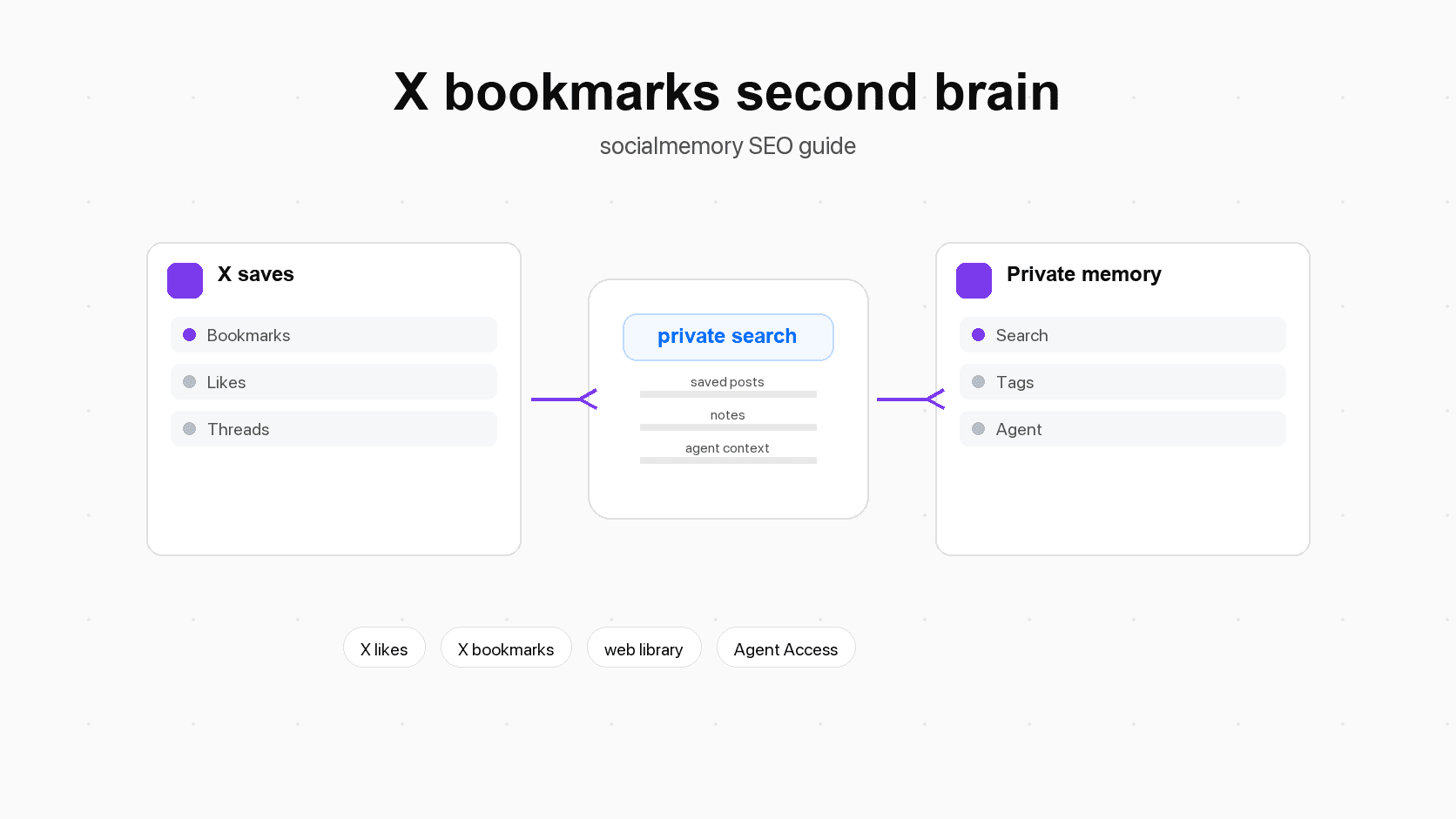
What an AI second brain means in plain language
A second brain is a retrieval system, not just a place to dump links
The phrase "second brain" can sound grand, but the basic idea is simple. Your first brain should think, decide, write, design, and build. It should not have to perfectly remember every article, post, quote, tool, pricing lesson, or design example you saw while scrolling.
A second brain is the outside system that helps you remember. It may include notes, links, highlights, project docs, screenshots, saved posts, and reminders. The important word is not "storage." The important word is "retrieval." Retrieval means getting something back when it is useful.
A folder full of saved links is storage. A second brain helps you answer questions like:
- What did I save about onboarding friction?
- Which posts explained why usage-based pricing can confuse customers?
- What visual examples did I bookmark for dashboard navigation?
- Which AI tools did I like but never try?
- Who recommended that article about personal CRM?
If your system cannot answer those questions, it is more like an attic than a second brain. It may contain valuable things, but it does not help you work quickly.
What changes when AI can search the memory during work
AI changes the workflow because memory can become active during the task. Instead of opening five apps and guessing tags, you can ask a tool to retrieve relevant context.
An AI agent is an AI tool that can work with connected tools and information. Here, that mainly means Codex, Claude Code, or Cursor using saved X memory through socialmemory's Agent Access. The agent does not magically know your life. It gets more useful when it can search a trusted private archive of things you already chose to save.
That is the real second-brain shift: saved posts move from "maybe I can find this later" to "my working tools can pull this context back when I need it."
Why X bookmarks and likes are unusually high-signal memory
Bookmarks are intent
An X bookmark usually means "I may need this again." You might bookmark a thread about hiring, a launch teardown, a code example, a design reference, a recommended tool, a prompt, a pricing lesson, or a technical debate. You are making a small bet that the post has future value.
That future value often appears later than expected. A founder might save a pricing post in January and need it while rebuilding the billing page in April. A designer might save navigation examples for months before a dashboard project starts. A developer might save a library announcement long before the right feature arrives.
Native bookmarks are good enough for short-term saving. The second-brain problem starts when the bookmark list becomes a large timeline and you remember the concept, not the exact words.
Likes are taste, curiosity, and repeated interest
Likes are softer than bookmarks, but they still matter. A like may mean agreement, appreciation, curiosity, social support, or "this is close enough that I want to mark it." One like is a weak signal. Hundreds or thousands of likes become a map of repeated interest.
For a builder, likes can reveal:
- Which product patterns keep catching your attention.
- Which people you trust for technical judgment.
- Which AI tools you repeatedly noticed.
- Which design styles you keep responding to.
- Which startup ideas or market takes keep returning.
That does not mean every liked post deserves a tag or a note. It means likes are worth including in the raw memory because some future searches will uncover useful context you forgot you had.
Where native X saving stops
X is good for capture, weaker for long-term retrieval
Start with X. If you remember the exact post text, author, date range, or a rare phrase, native X search and the Bookmarks page may be enough. A native tool is a tool built into the product itself, so native X search should be the first thing to try.
The difficulty is that human memory rarely stores exact strings. You remember "that post about Claude and repo memory," but the post might have said "project context." You remember "a chart about pricing," but the post might have been an image.
That is why a private saved-X library helps. It can preserve your saved posts, let you search the synced archive, and give you organization tools that are built around rediscovery instead of scrolling.
What to try inside X first
Before adding a second-brain workflow, try the simple native path:
- Open X Bookmarks.
- Search exact phrases you remember.
- Search the author's profile if you remember who posted it.
- Try X advanced search with words, accounts, and date ranges.
- Check likes if you might have liked the post instead of bookmarking it.
If that works, use it. Socialmemory is more useful for the posts native search does not surface reliably, the posts you want to organize, and the posts you want to use inside a broader workflow.
Table: native X vs private saved-X library vs notes app
| Need | Native X | socialmemory saved-X library | Notes app or second-brain app |
|---|---|---|---|
| Quick capture | Excellent. Like or bookmark in the feed. | Keep capturing in X, then sync the archive. | Usually requires manual copy, clipping, or sharing. |
| Find exact wording | Useful when you remember the words, author, or date. | Exact search can search the synced private library once posts exist. | Depends on whether you copied the right text. |
| Find by idea | Limited if the words do not match. | Meaning search should be used only after AI search preparation is ready. | Strong in tools with good search, backlinks, or AI features. |
| Organize | Native folders may help depending on account features. | Tags, notes, filters, favorites, source state, and saved item detail views. | Strong for projects, folders, tags, and long notes. |
| Use with AI agents | Usually manual: copy links or text. | Agent Access lets Codex, Claude Code, or Cursor search saved memory when connected. | Depends on each tool. |
| Best role | Fast saving inside X. | The X/social memory layer. | Long-form notes, docs, highlights, projects, and research. |
The saved-X second brain workflow
Capture in X
Do not make capture complicated. If a post feels useful, bookmark it. If it is interesting but not clearly worth saving, like it. Bookmarks are stronger intent. Likes are softer memory. The goal is not to build a perfect taxonomy while scrolling; it is to preserve the signal with as little friction as possible.
Sync into a private library
The next step is getting saved posts out of a scroll-only surface and into a private library. In socialmemory, Chrome extension sync is the primary consumer sync path. The extension collects liked and bookmarked X posts from a browser where you are signed into X, then stores them in your private archive.
That archive persists across sessions and tools. You can browse saved posts, search, filter, inspect details, and add notes or tags. If the same post was liked and bookmarked, it should appear once with a combined source state rather than becoming a duplicate.
Add light notes, tags, and favorites
A second brain fails when organization becomes more work than retrieval. You do not need to tag every saved post. Tag only the posts that are likely to be reused.
Good tags are broad enough to survive time: pricing, onboarding, agents, design, frontend, research, writing, launch, and people.
Use notes for the reason the post mattered. A note like "Use this as onboarding copy inspiration" is more useful than a clever label. Use favorites for the posts you expect to revisit repeatedly.
Search or ask an agent when the work begins
The best time to use the memory is not while you are saving. It is when a real task starts.
For example, before writing a pricing page, search saved posts about packaging and trials. Before designing onboarding, search activation and empty-state examples. Before picking an AI library, search model, SDK, evaluation, and latency posts. Before meeting someone, search posts you saved from or about that person.
This is where saved X posts become active knowledge. The archive stops being a passive list and starts becoming a working input.
Practical examples: what this looks like in real work
Project research pack
Imagine you are starting a new landing page. Search socialmemory for saved posts about hero sections, pricing layouts, checkout friction, and positioning. Pull a few positioning ideas, visual references, pricing warnings, and trusted quotes into a short research pack. Then move the cleaned-up plan into Notion or a project doc.
Design and product swipe file
A swipe file is a collection of examples you can learn from. Designers and product builders already create accidental swipe files on X by liking and bookmarking screenshots, launches, UI details, and teardown threads. A searchable swipe file lets you ask for dashboard navigation examples, onboarding screens with strong empty states, dense B2B interface patterns, or pricing-table references.
You do not need to over-organize this. Tag the best examples with design, onboarding, pricing, or dashboard, then search when the project needs them.
AI tools and code snippets
Developers save many "maybe later" posts: libraries, utilities, model comparisons, API examples, prompts, build logs, error fixes, and benchmark threads. They become valuable when the related work arrives. If you are adding AI search, search saved posts about embeddings, search quality, evaluation, and query rewriting. If you are building an agent workflow, search posts about tools, memory, context, Codex, Claude Code, and workflows.
The practical win is speed. You already filtered the internet once when you saved the post.
Personal CRM and relationship context
Personal CRM means a private system for remembering people, follow-ups, and relationship context. Socialmemory is not a full personal CRM today, but saved X posts can still support that job.
You may save posts from people you want to meet, hire, learn from, collaborate with, or follow closely. Later, those saved posts can help you remember what someone is working on, what they recommend, what they care about, which ideas you share, and why you wanted to reach out.
That is part of the bigger social memory layer vision: people, taste, context, and timing.
NotebookLM study notebook
NotebookLM is useful when you have a focused set of sources and want AI help understanding them. A saved-X workflow can feed that kind of research manually.
For example, search socialmemory for saved posts about "AI onboarding" or "B2B activation." Choose the best posts, open the source links, collect the articles or docs behind them where relevant, and create a focused NotebookLM notebook. Use NotebookLM for the source-grounded study session. Keep socialmemory as the place where the social discovery trail stays searchable.
Do not frame this as one-click automatic sync unless that exists. The practical point is that saved X memory can help you choose better sources for deeper research.
How AI agents change the value of saved X posts
From search results to delegated work
Manual search asks: "Can I find the post?" Agent search asks: "Can this saved memory help with the task I am doing right now?"
If Codex, Claude Code, or Cursor can search your saved X memory, your archive becomes part of the working environment. You can ask for saved examples before editing a page, saved technical references before choosing a package, or saved launch advice before writing a checklist.
Agent Access should remain optional. The web library still has to be useful by itself. But when an agent can search the same private archive, the memory stops being a destination and becomes a tool.
Prompt examples for Codex, Claude Code, and Cursor
Good agent prompts are narrow. Do not ask the agent to "use my second brain" in a vague way. Ask it to retrieve the kind of saved context that would change the work.
| Task | Saved X memory that helps | Useful prompt |
|---|---|---|
| Redesign onboarding | Saved posts about activation, empty states, setup flows, and product-led growth | "Search my saved X posts for onboarding and activation examples. Summarize the patterns before editing this flow." |
| Pick an AI library | Saved posts about model APIs, SDKs, latency, and developer experience | "Find saved posts about AI SDK tradeoffs. Give me the practical pros and cons." |
| Draft a launch plan | Saved founder threads, launch checklists, Product Hunt notes, and positioning advice | "Find saved posts about launch strategy and turn the best ones into a launch checklist." |
| Improve pricing | Saved posts about trial design, plan packaging, usage-based pricing, and checkout friction | "Search my saved posts about SaaS pricing and identify warnings that apply to this pricing page." |
| Build a visual direction | Saved screenshots, UI references, and product pages | "Find saved dashboard references. Group them by layout pattern." |
The agent should return useful posts directly in the conversation. When helpful, it can also create a socialmemory result-set link so the posts can be reopened later in the web library.
A lightweight organization system that does not become chores
Tags for themes, not every possible label
A common second-brain mistake is designing a perfect organization system before using the memory. That usually fails because it becomes too expensive to maintain.
Start with a small set of tags based on work you actually do: design, pricing, agents, code, writing, research, and people. These are broad enough to survive time and specific enough to help future search.
Add tags when a post crosses a threshold: you expect to reuse it, show it to someone, or ask an agent to find it later.
Notes for why the post mattered
Notes should answer the question your future self will have: "Why did I save this?" A weak note says "good." A useful note says, "Good example of explaining an AI feature without jargon. Useful for onboarding copy." One sentence is enough if it captures the reason.
Favorites for posts you expect to reuse
Favorites are for your best reusable items. If tags are categories, favorites are shortcuts. Use them for posts you expect to revisit across projects: a pricing framework, a favorite UI reference, a trusted technical explanation, or a memorable founder lesson.
The goal is retrieval with low effort. If a system adds friction but does not improve retrieval, simplify it.
Limits and reality checks
Socialmemory starts with X for now
This article is about the X/social layer of a second brain, not a promise that socialmemory imports every social network, note app, message app, or bookmark service. The current product is focused on helping you find and use the X posts you already liked or bookmarked. That focus is useful because X has a specific shape: posts, likes, bookmarks, authors, media, quote posts, X Articles, and fast-moving discovery.
Exact search vs Meaning search readiness
Exact search means matching words in saved posts. It should be available as soon as posts exist in the library.
Meaning search means finding posts related to your idea even when the words differ. You might search "customer onboarding friction" and find a saved post that says "activation drop-off." Meaning search depends on AI search preparation, so the article should not imply it is ready before the user's archive is prepared.
Good wording:
> Use Exact search as soon as saved posts exist. Use Meaning search after AI search preparation is ready for your archive.
Avoid wording:
> Socialmemory instantly understands every saved post semantically.
A 30-minute starting plan
Start with the basics. Sync the X posts you already liked and bookmarked into socialmemory. Let the library fill, then search topics you know you saved before: pricing, onboarding, agents, design, Supabase, Claude Code, NotebookLM, or founder advice.
Next, tag only ten clearly useful posts and add one short note to each. Then connect the system to one real task. If you are writing, search for posts that sharpen the argument. If you are designing, search for visual references. If you are coding, search for saved libraries or bug notes.
If Agent Access is connected, ask Codex, Claude Code, or Cursor: "Search my saved X posts for examples related to this task, summarize the best patterns, and link the posts worth opening."
That is the moment saved X posts become an AI second brain: the right context returns when the work needs it.
Sources for How to Turn X Bookmarks and Likes Into an AI Second Brain
- URLNative X bookmark behavior and privacy wording.
- URLNative search fallback guidance.
- URLNative likes behavior and Likes tab context.
- URLBookmark-folder context. Re-check before publishing because X feature packaging changes.
- URLBroad second-brain methodology reference.
- URLTool-agnostic second-brain positioning.
- URLNotion as a structured personal knowledge management surface.
- URLConnected notes and graph-style knowledge system.
- URLWeb clipping and saving web content into notes.
- URLApple Notes folders, tags, attachments, and note organization.
- URLAdjacent saved-tweet and thread workflow.
- URLTwitter/X thread saving and read-it-later context.
- URLBroad bookmark search across bookmarks, collections, tags, highlights, and annotations.
- URLBroad all-in-one bookmark manager positioning.
- URLAI research tool and thinking partner positioning.
- URLNotebookLM notebooks, sources, notes, and generated study materials.
- URLCodex positioning as a coding agent.
- URLClaude Code memory and project-context framing.
- URLUse only if the final article includes a plain-language technical note about how agent apps connect to outside tools and data.
Socialmemory is the X/social layer, not a replacement
The cleanest second-brain setup gives each tool a job.
Notion is strong for team docs, databases, and project pages. Obsidian is strong for connected notes. Evernote and Apple Notes are strong for quick capture. Readwise is strong for highlights. Raindrop is strong for general web bookmarks. NotebookLM is useful when you want to load focused sources and ask grounded questions.
Socialmemory should not claim to replace any of those. Its job is narrower and stronger: make the X posts you already liked or bookmarked searchable and usable.